You lose leads
if you don't use WhatsApp to communicate with customers
Nobody argues that the most popular messenger is WhatsApp.
Customers are more willing to write to WhatsApp than to other messengers. There is also a great advantage over the widget on the site, when using which you risk losing a client, and with WhatsApp, contact with him will be maintained with a 100% guarantee.
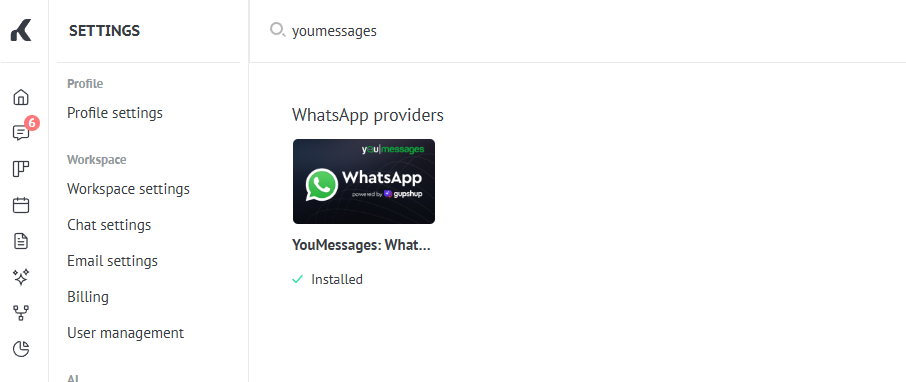
Find our integration in the Kommo marketplace. For a quick search, enter youmessages in the search bar and install the integration. Next, fill in the Email field and click the "Save" button.
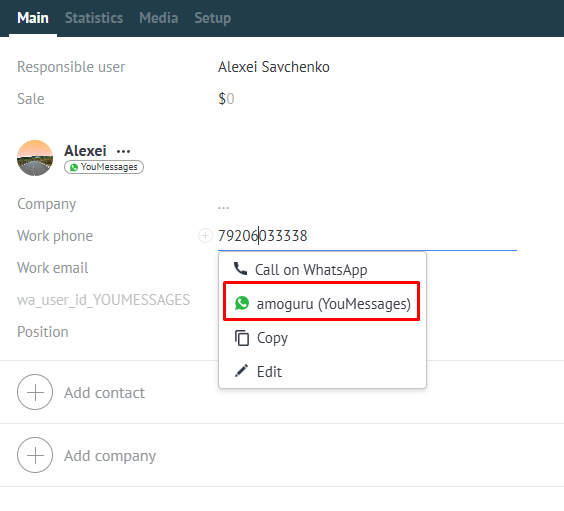
Write to clients first from the Kommo interface.
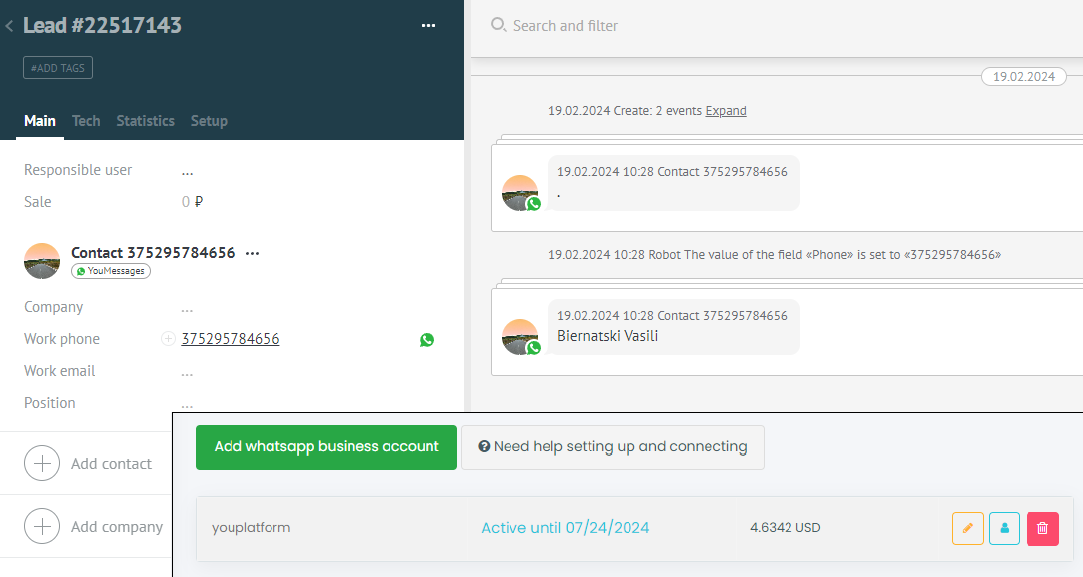
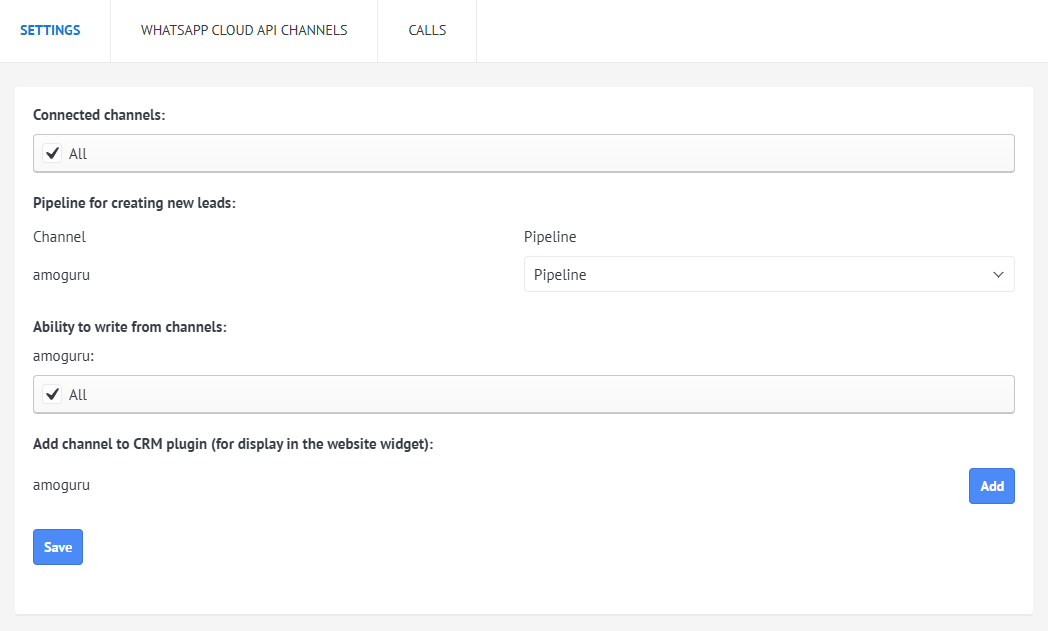
Connecting multiple whatsapp accounts.
Each channel has its own source in Kommo.
Each source can be assigned its own pipeline.
The source can be added to the CRM Plugin that is displayed on your site.
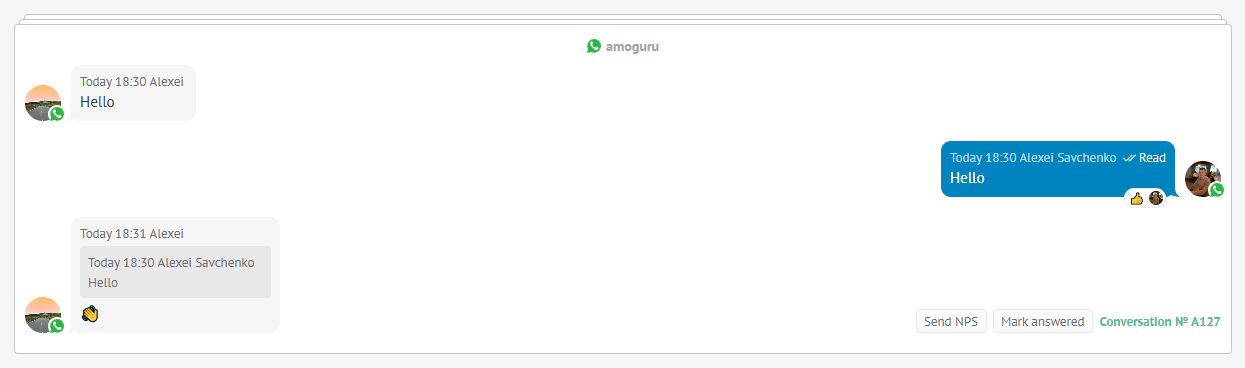
The integration supports sending reactions and replying to messages.
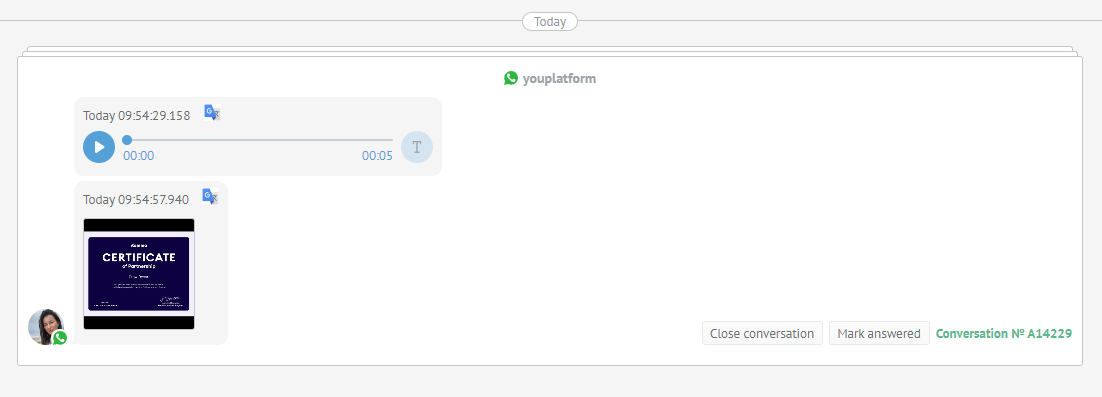
Integration allows you to send audio, video messages and documents.
You can assign a specific channel to each pipeline in the CRM, and add certain employees to each channel.
Sending audio messages from the CRM interface

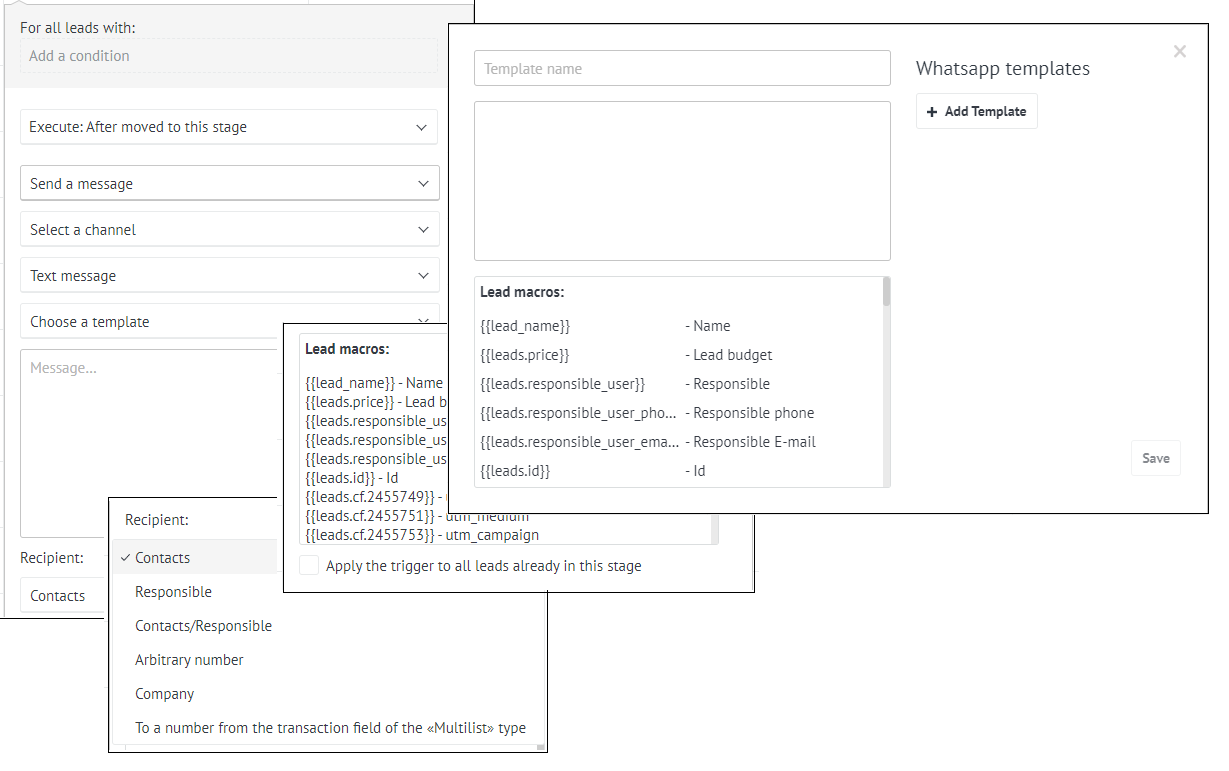
The integration works with Salesbot; moreover, it allows connecting a widget in Salesbot with the ability to select a channel and recipient.
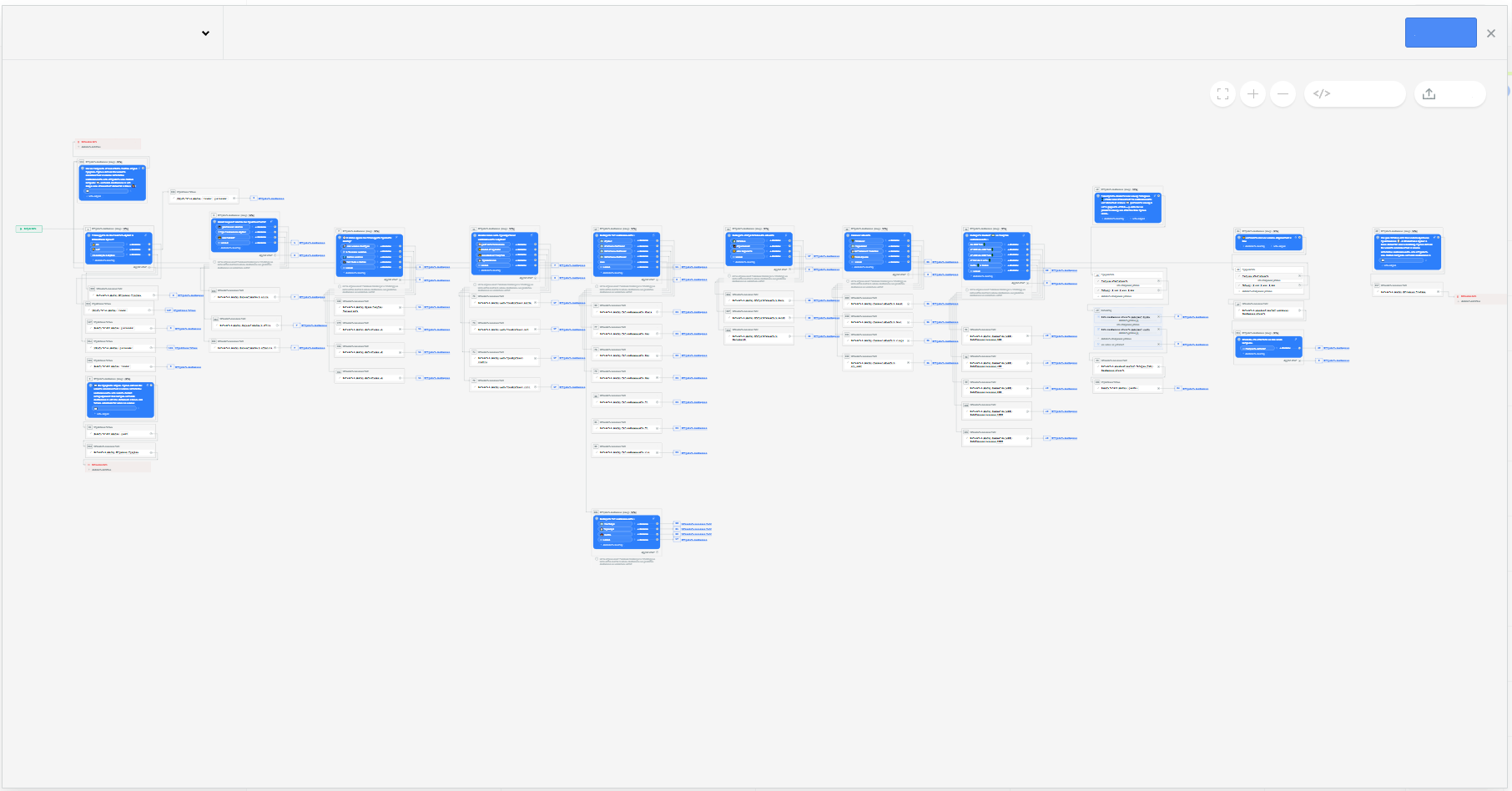
The integration works in the Digital Pipeline.
Messages can be sent to all contacts, the primary contact, the lead responsible person, or an arbitrary number.
You can use entity variables in a message, and you can also create templates using variables.
Works with the deal and the buyer.
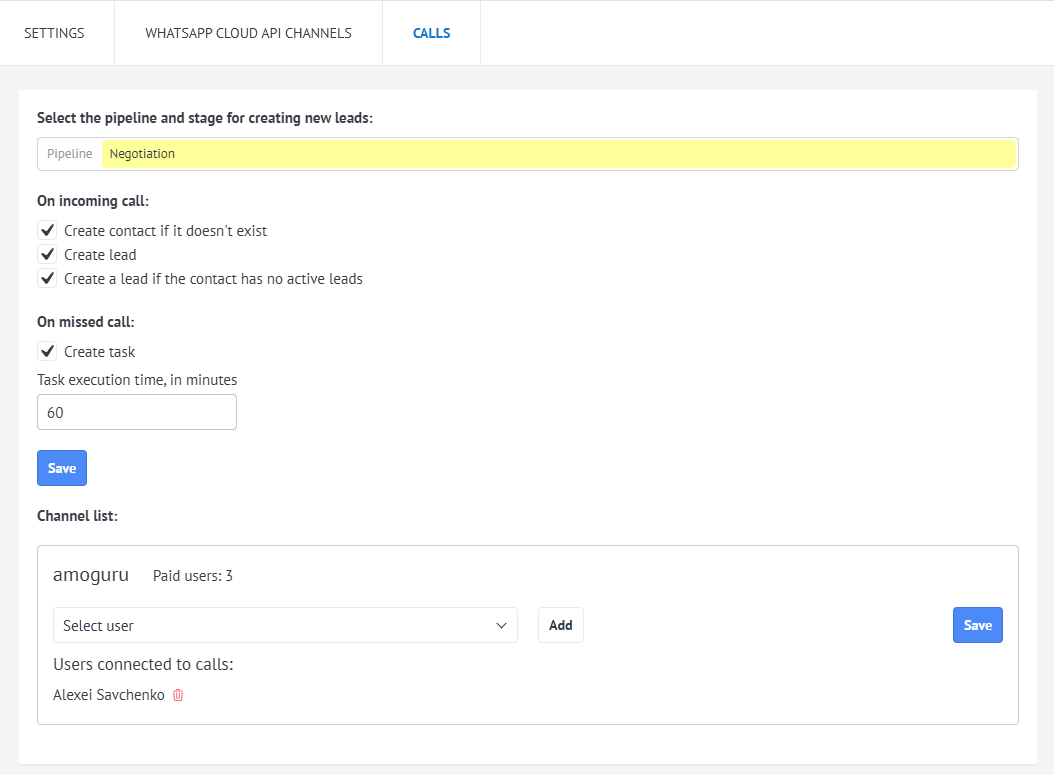
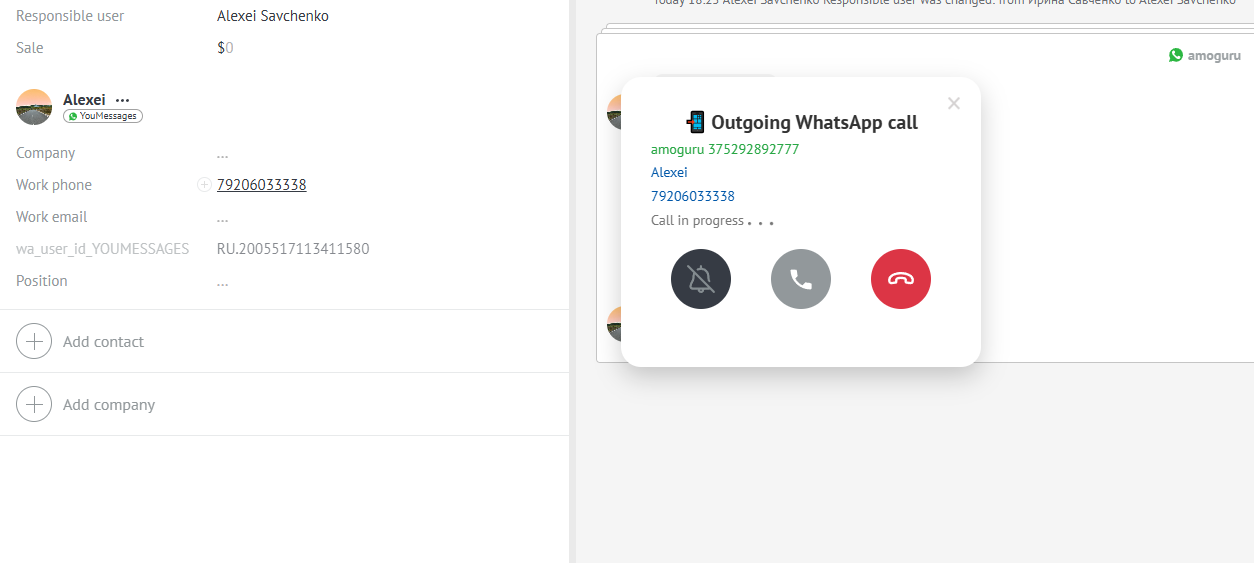
The integration provides the ability to make and receive calls from WhatsApp users.
The call is saved in the contact card.
Allows creating a lead and contact if they don't exist in the CRM.
Create a lead if the contact has no active leads
Selecting the pipeline and stage for creating new leads.
Create a task for the contact's responsible person on a missed call.
Employees who can receive and make calls are assigned to each channel.